
For founders who play to win
Scale faster. Lead smarter. Win bigger.
The strategy, systems, and execution to scale fast—without managing amateurs or duct-taping tools. Clarity that sharpens your thinking. Automation that multiplies your output. Sales that convert. All under one roof, built for founders who want to grow now, not later.
SCALE. LEAD. WIN.
HERE'S HOW WE CAN HELP
We build weapons for winners. Whether it’s high-level CMO and sales consulting, the plug-and-play power of Toolbox CRM, or precision tools like The Grappling Map for the combat sports industry—we don’t just give you ideas, we drive results. Add elite mindset training and private Jujutsu instruction, and you’ve got one source for founders who want to lead sharper, scale faster, and dominate in and out of the arena.
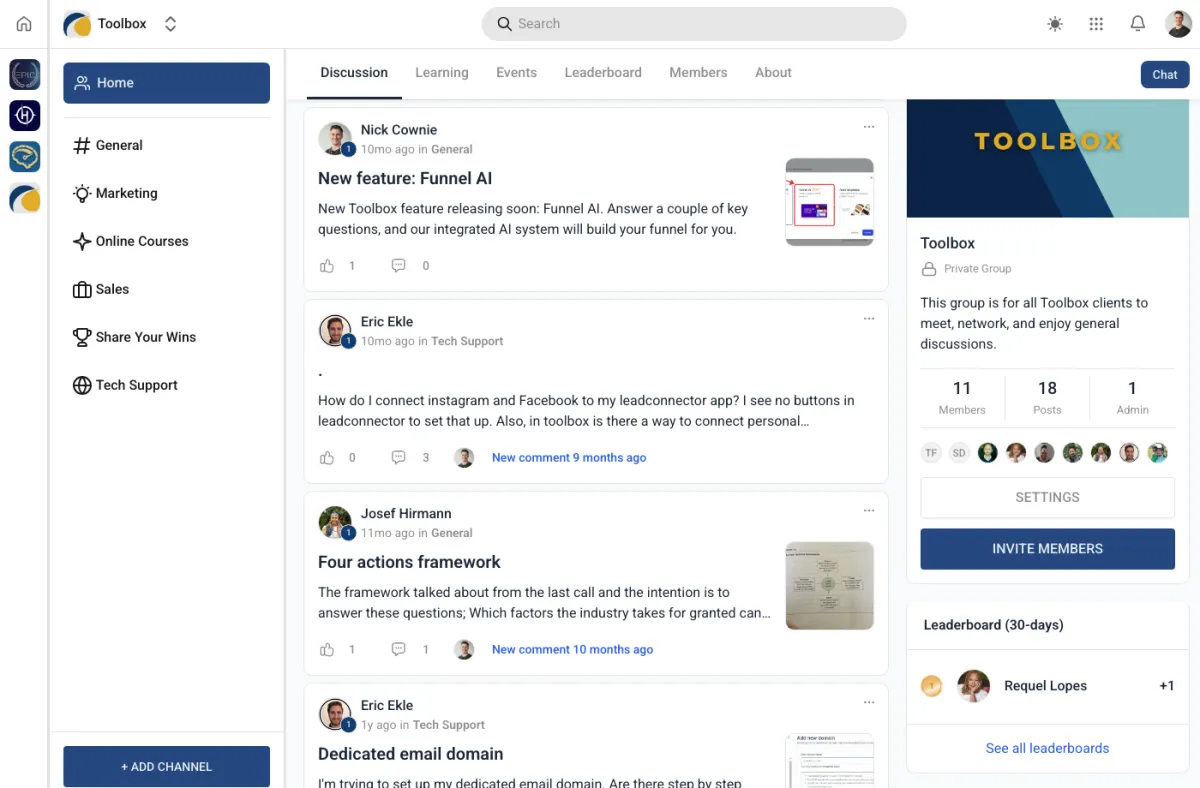
LEADS. SALES. AUTOMATION: DONE.
What if your business ran itself—without a single tech headache—while you get back to doing what actually makes money?
Toolbox gives you the systems big businesses use—without the bloated cost or setup drama. Preloaded automations. Instant follow-up. Smart CRM. No learning curve.
Just one login, one tool, and everything working the way it should.
Built for service pros who want to grow without getting stuck in the weeds.
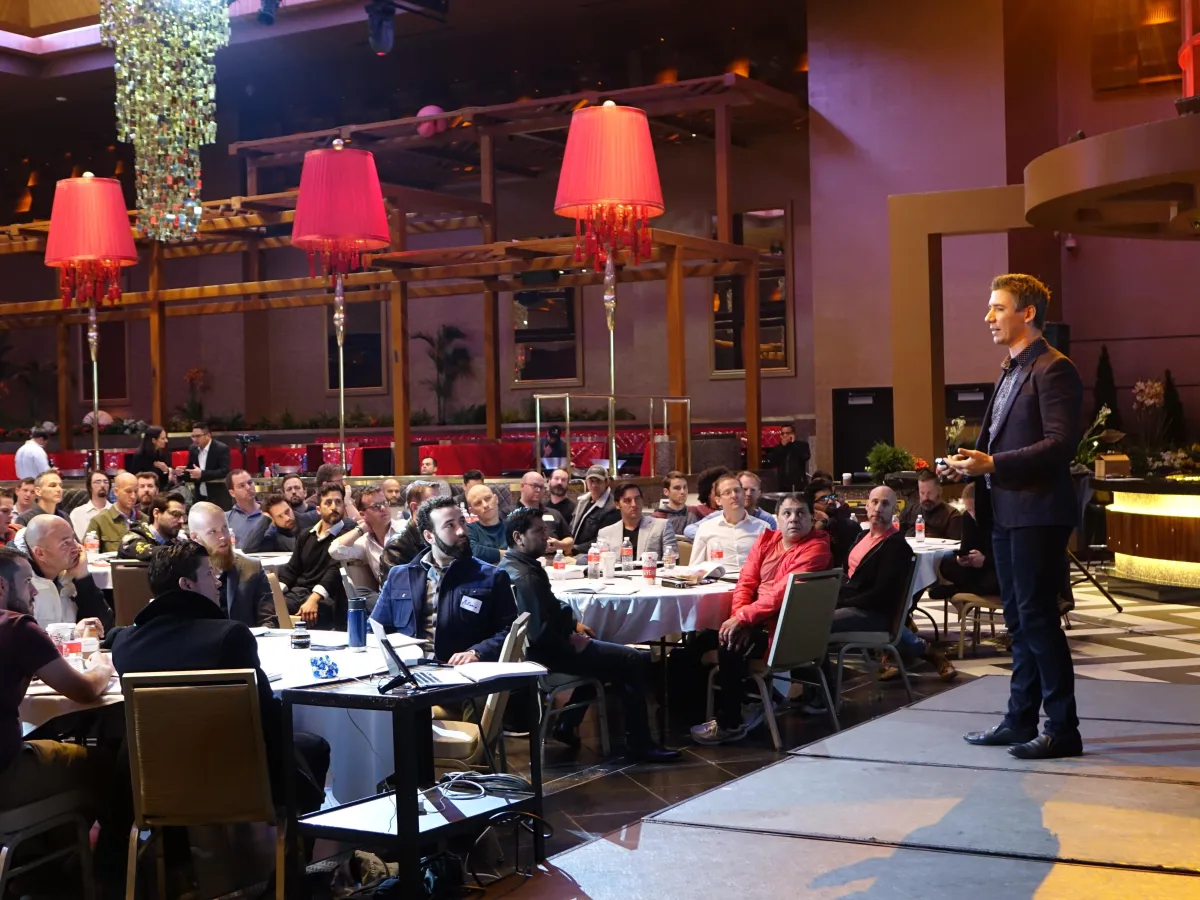
STRATEGY. EXECUTION. SCALE: FAST.
What if your business had a proven growth engine—and someone to actually drive it—while you focus on the vision?
Fractional Marketing & Sales serious businesses need—without bloated fees, micro-managing, delays, or excuses.
Clear strategy. Sharp messaging. Revenue-focused execution. No fluff. Just one expert team, one plan, and everything running the way it should.
For founders who want scale without second-guessing every move.
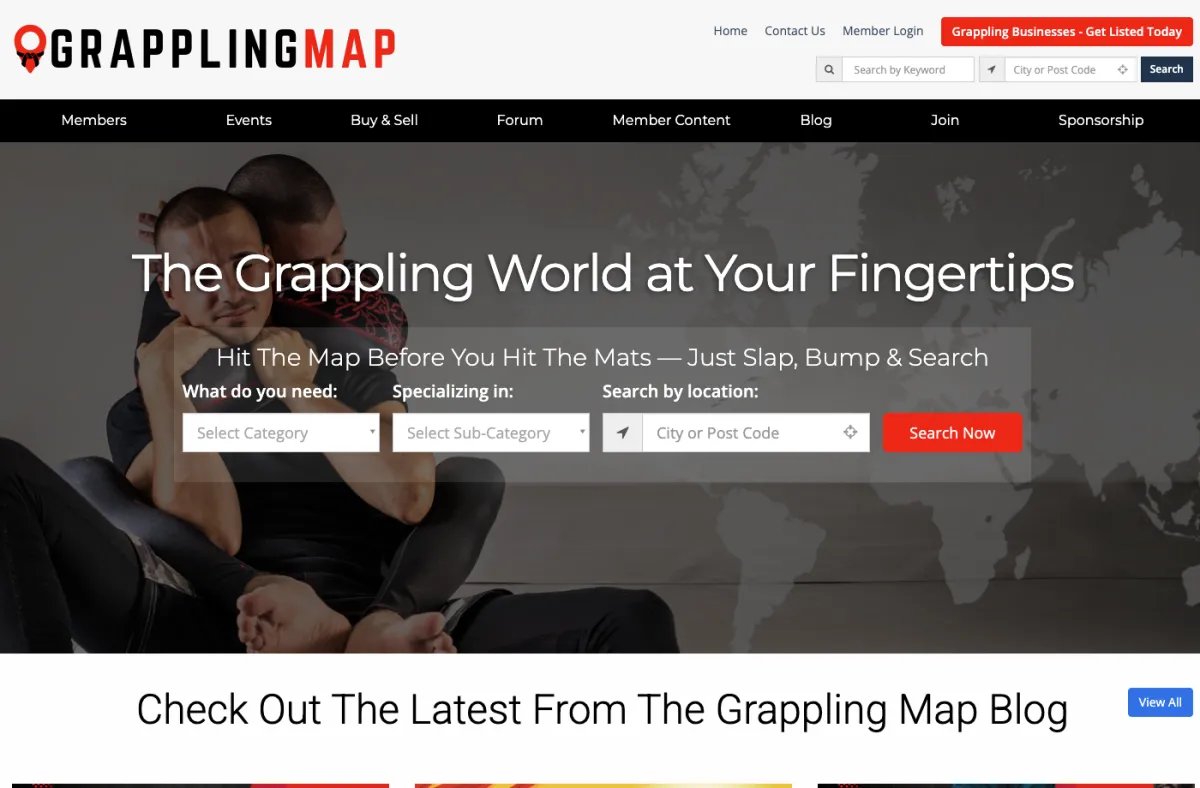
ANCIENT ARTS. MODERN MOVES.
What if your grappling business could change lives by sharing the practice, principles, and path of martial arts?
Our goal is to connect the grappling world—helping students discover the best schools, competitions, gear, events, and content.
We give schools the tools to grow and scale sustainably. We provide suppliers with a direct line to reach motivated grapplers.
Our podcast and platform give sponsors direct access to a worldwide grappling community.
DON'T RISK YOUR RESULTS
WORK WITH THE EXPERTS

SOME OF OUR 5 STAR REVIEWS
Here's what our clients have to say...
Our team has consulted and created high-achievers for almost two decades... including NYT best-selling authors, Hollywood movie directors, Netflix producers, former Pro-NFL & NBA players, and executives from organisations such as Google, Apple, LinkedIn, YouTube, TikTok, SalesForce, NASA, the US Military, Audi, McDonalds, Macquarie Bank, Harley Davidson... and many more.
We go above and beyond for our clients... and it shows.

I credit my entire journey of success to everything inside this course. Nick Cownie has incredible systems and tools.

Neil Strauss
★★★★★
9 times NYT best-selling author
https://neilstrauss.com
I just closed a $960,000 deal using one specific skill I learned from Nick.

Chris Jordan
★★★★★
SalesForce.com
Nick helped me go from $150 an hour, to $60k per month, in just one 20 minutes conversation.

Kyle Burford
★★★★★
Founder, AgPads
Before SDI I was overwhelmed - being as tech challenged as I am. This investment has offered me far greater return than all the wasted time, frustration, and money spent on other avenues.

Robert Oaks
★★★★★
Founder, The OAKS Method
The SDI team are a true delight to work with. They provided excellent feedback, took my input to heart, and ultimately created the framework I needed to help me build a business that I love.

Paul Petro
★★★★★
Founder, PineWoodsAI
I struggled with putting my business together for a long time. The SDI team really know what they're doing. It's obvious they have a lot of experience on how to build residual income.

Ted Mauro
★★★★★